Tips to track and influence Precoro’s development
Welcome to Precoro’s Open Product Roadmap! Here’s your space to shape Precoro into the tool that works best for you—and see our plans unfold in real time.
Growth Milestone: Xero App Awards 2026
We're thrilled to take part in the Xero App Awards!
If Precoro has made a difference to your business, please support us by nominating us for the People’s Choice Award.
👉 Vote for us here before entries close on 10 July 2026.
Vote for the features you want next
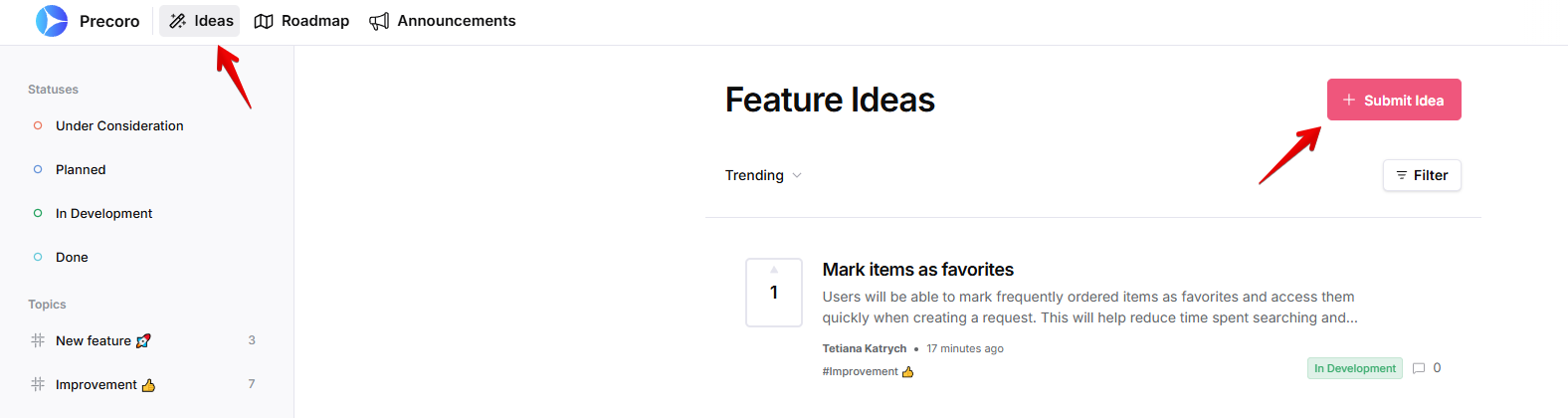
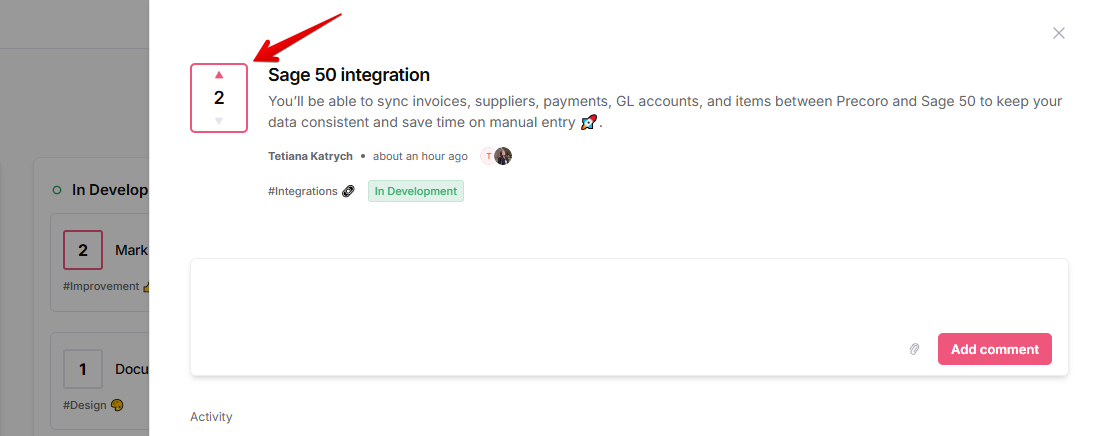
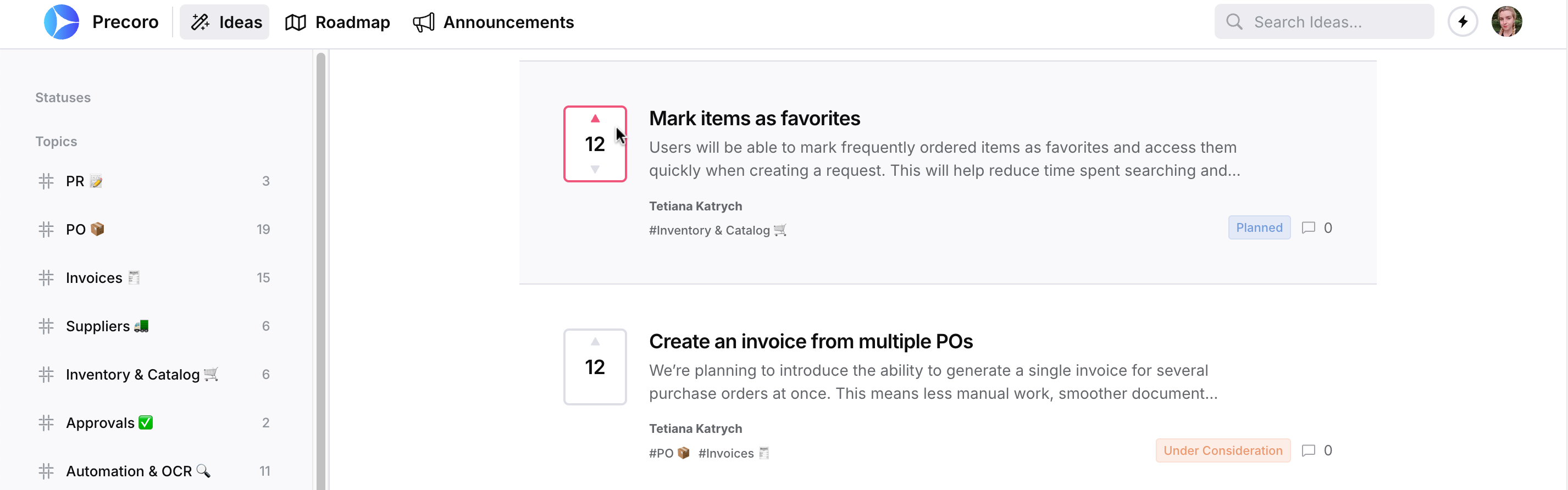
Visit the Ideas or Roadmap tab to explore all active suggestions and upvote the ones that matter most to you. For faster browsing, use the filters in the top-right corner or choose a topic in the sidebar.
Voting is open to guests; no registration required!
Submit ideas for improvements and new features
Signing up with your corporate email unlocks full functionality. To suggest a change:
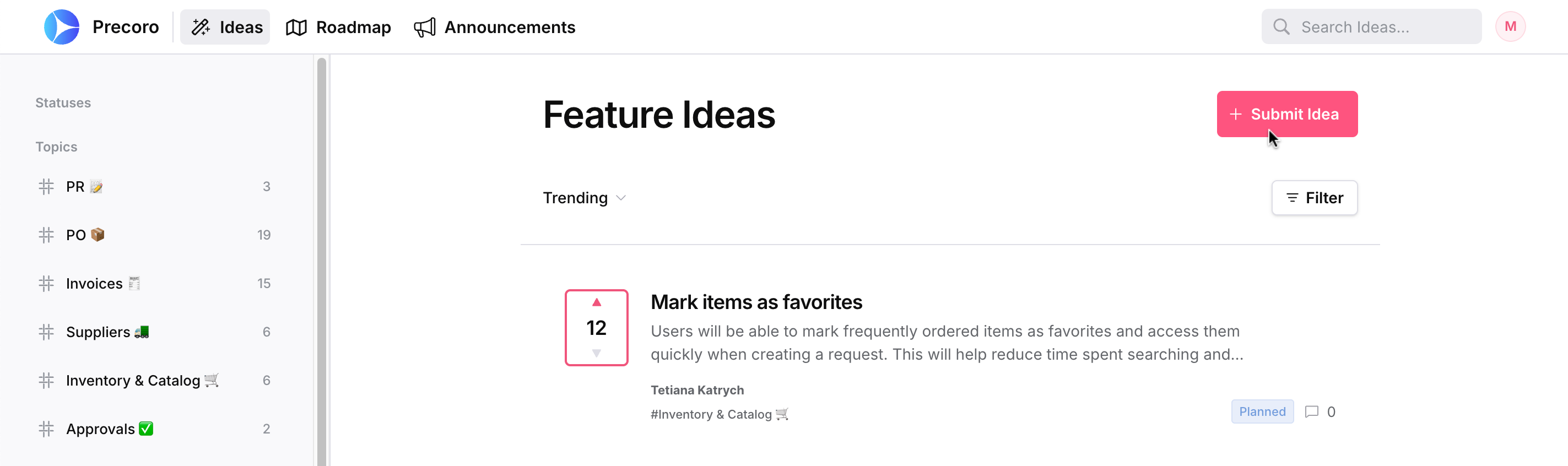
- Go to the Ideas tab and click Submit Idea.
- Describe your suggestion in detail and explain the problem you need to solve. We’ll review every request and add it to the roadmap within 5 business days.
We may follow up with additional questions to better understand your request. Please respond within 10 days, or let us know if you need more time so we can keep your idea active.
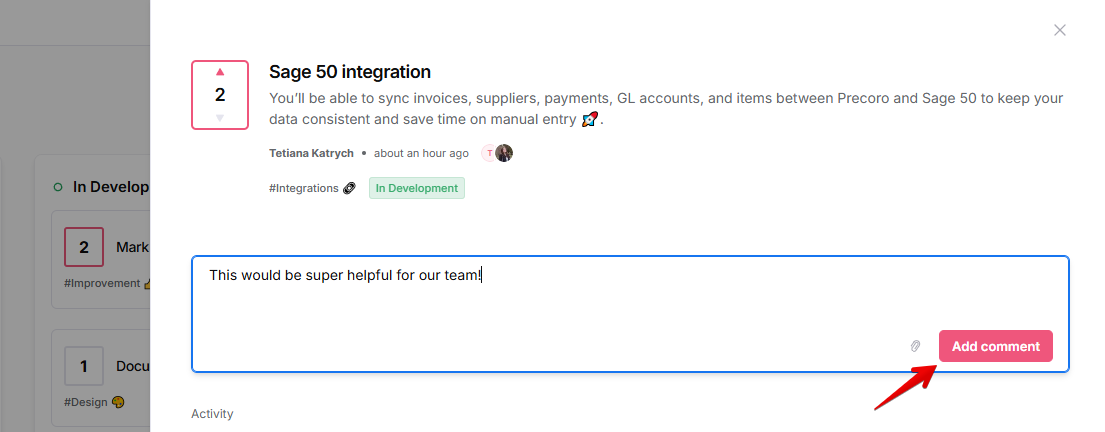
You can also comment on others’ ideas to share your cases and experience.
Subscribe to announcements and follow ideas to stay informed
To be the first to know about the most important updates, we recommend these two options:
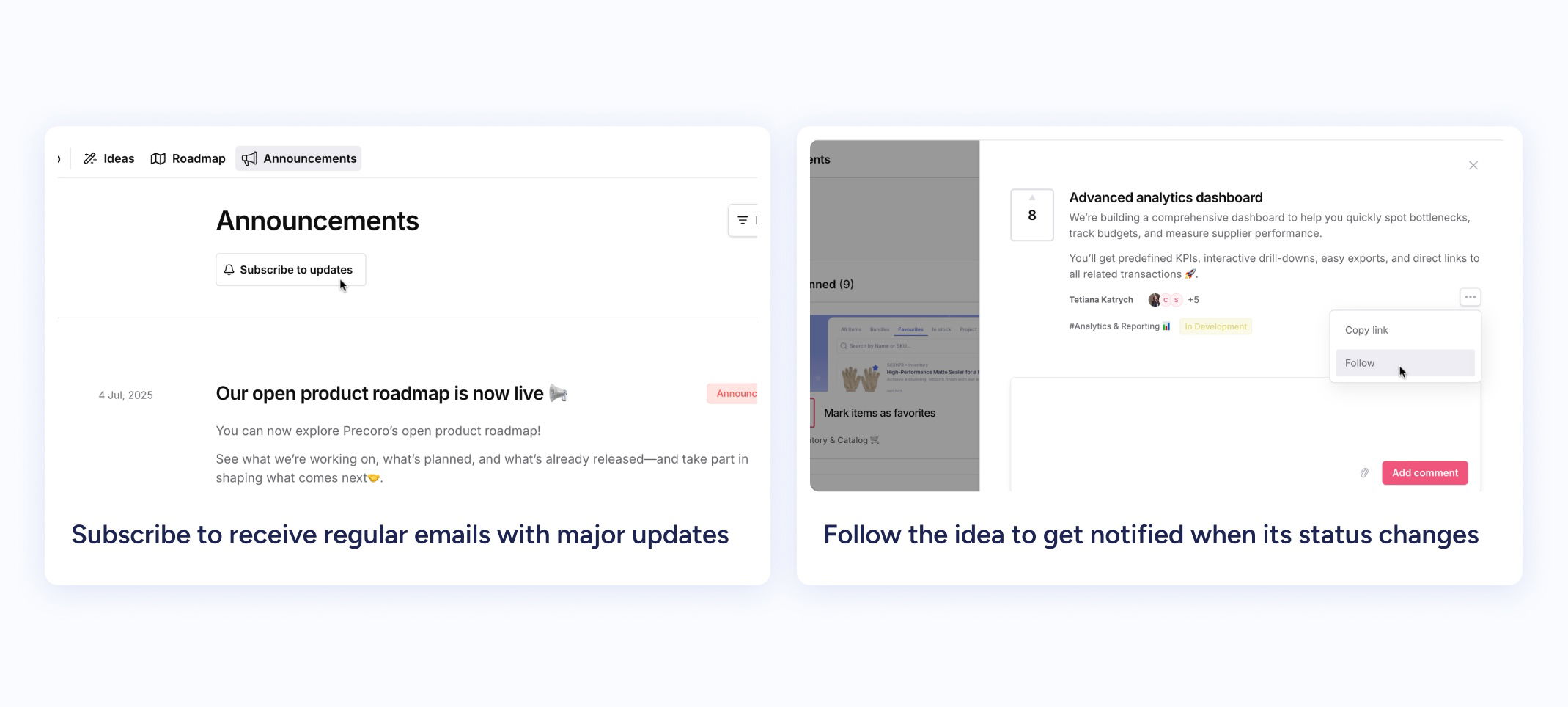
- Subscribe to receive regular emails with major updates. To do so, open the Announcements tab and click Subscribe to updates.
- Follow ideas to get notified when their statuses change. To track a relevant idea, open it, press “...”, then Follow.
To adjust which emails you’d like to receive, please open your profile (icon in the top right corner) and configure Notifications.
2